

Under desk treadmill home office solutions are transforming how remote professionals stay active, healthy, and productive—even in apartments or shared spaces where noise and equipment bulk can ruin workdays. If you already use a standing desk or are ready to make your home office smarter, here’s what you need to know before adding a walking pad for real wellness and workflow gains.
Key Takeaways
- Under-desk treadmills have surged in popularity, especially among remote workers aiming to boost health and daily energy at their standing desks.
- Noise, footprint, and motor durability are top pain points—measuring your space and researching specs before you buy is crucial.
- When used 60–90 minutes per workday at 0.5–2 mph, clinical studies show real benefits: better mood, sharper focus, and improved glucose and blood pressure.
- Why under-desk treadmills are rising in home offices
- Step-by-step guide to integrating an under desk treadmill
- Advanced analysis & common pitfalls
- Conclusion
- FAQ
Why under-desk treadmills are rising in home offices
With remote and hybrid work now a fixture for more than a quarter of all full-time employees in the United States, the under desk treadmill home office segment is booming. About 12-15% of households with standing desks have already added a walking pad, reflecting both the need for physical activity and the shrinking boundary between work and wellness at home. A U.S. market valued at roughly $1.5 billion (2024) and projected to double globally this decade highlights how mainstream this upgrade has become [Research Report].
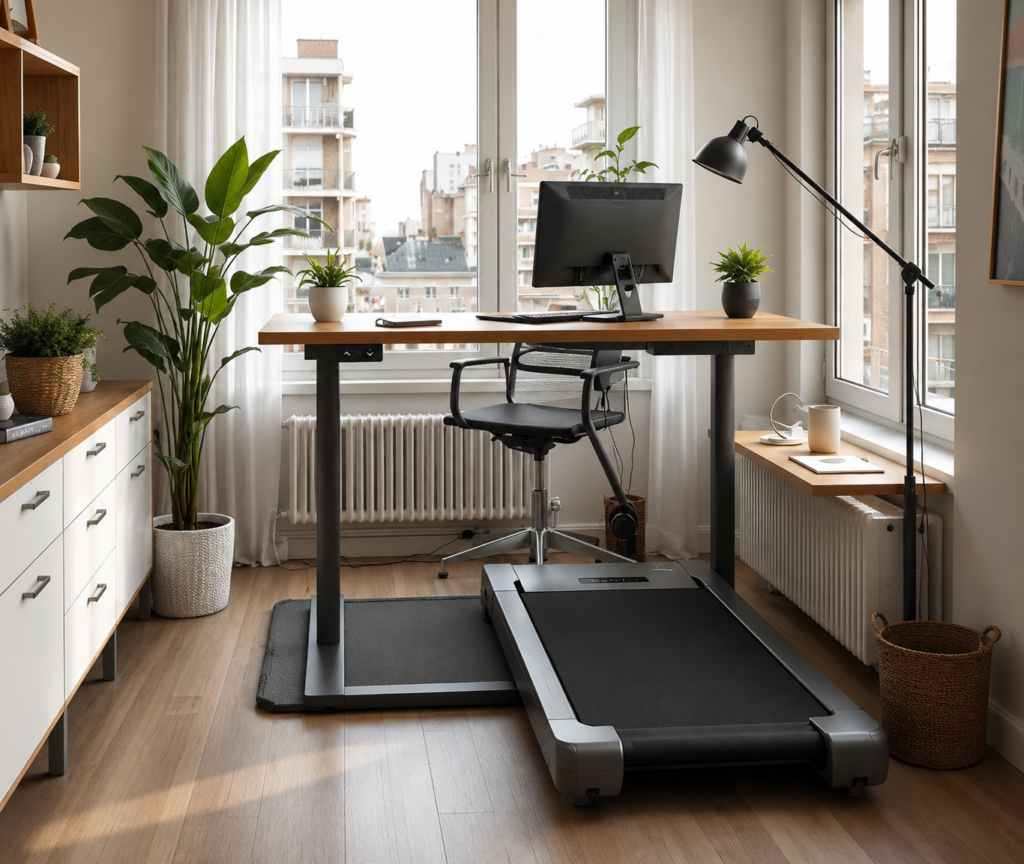
Why does this matter? Sitting for too long increases risk for chronic disease, while inactivity tanks your energy, mood, and long-term productivity. Walking pads enable even apartment dwellers to break up sedentary hours—turning a standing desk into a daily movement routine. They slot easily into home offices because modern models are slim and designed for quiet, low-impact use under a desk. If you’re looking to counteract stiffness, afternoon energy dips, or need an excuse to move during calls, this is the most practical home fitness investment you can make.
Step-by-step guide to integrating an under desk treadmill
Jumpstarting your walking-while-working routine doesn’t need special tech skills, but proper planning avoids the most common headaches. Follow these steps to integrate a walking pad for standing desk use—without annoying your household, your knees, or your coworkers on Zoom:
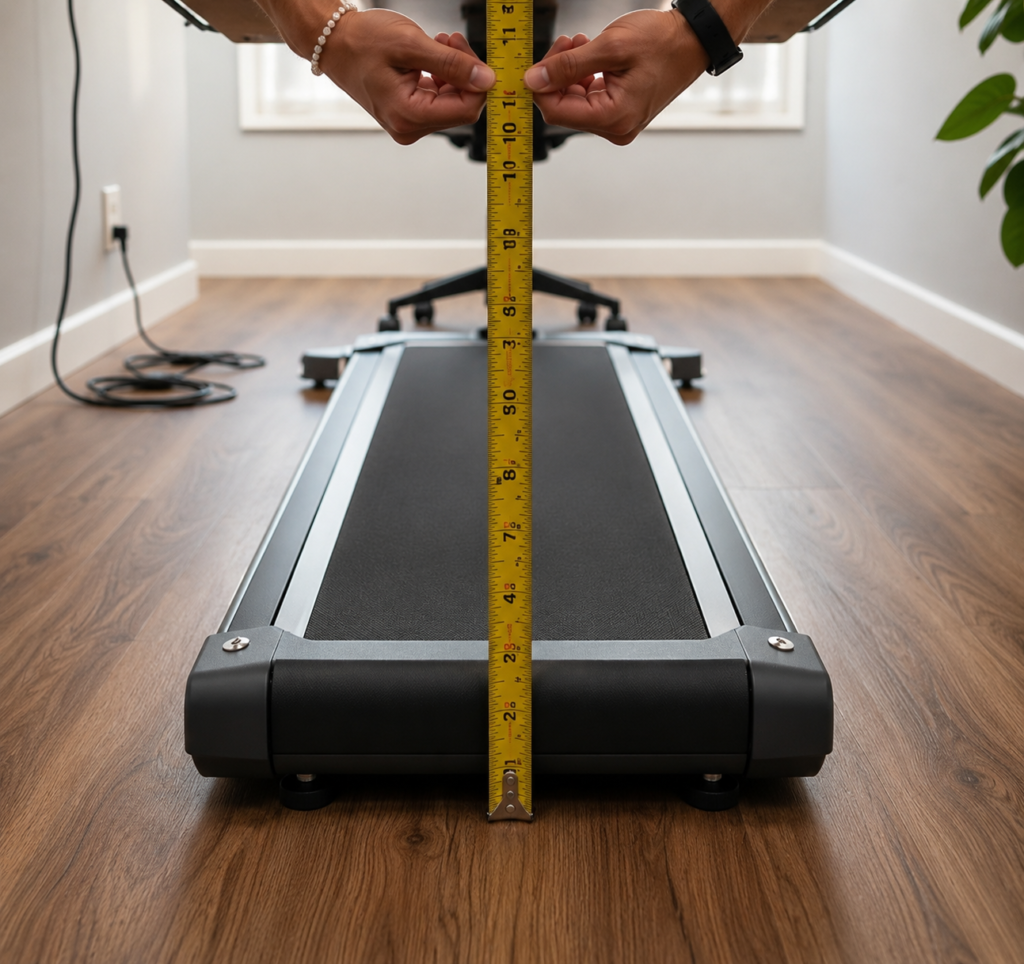
- Measure your space. Check the clearance under your desk for height, width, and depth. Most walking pads are around 5-6 inches tall. Confirm the belt is wide enough (15–18 inches minimum if you have broad shoulders or stride). Measure full width with the safety border, not just the walking surface.
- Check weight and motor limits. Typical pads support up to 220 lbs, but higher-quality models go to 265 lbs or more. Stronger motors (at least 1 HP) last longer and run cooler over months of daily use.
- Set up placement. Use a rubber isolation mat or thick carpet to muffle vibration, especially in apartments. Position the treadmill so power cables are safely routed and you still have easy chair access when switching between sitting, standing, and walking.
- Test for noise. Run the pad at 1–2 mph while on a video call (with and without headphones). Many “quiet” models still register above 60 dB, which can be distracting. If you need absolute silence, look for units specifically tested under 55 dB.
- Adjust your standing desk. Raise your desk so your arms are at 90 degrees while walking. Be sure there is room to type comfortably; a poorly matched combo can quickly cause wrist or shoulder fatigue.
- Start slow and build up. Experts recommend 60–90 minutes of daily walking in chunks of 15 to 30 minutes at 0.5–2 mph for measurable health benefits. Focus on walking during phone calls, email, or meetings rather than during heads-down tasks at first.
- Fold and store. If your space is small, prioritize a folding model (many can slide under a bed or behind a door). Make sure the treadmill’s wheels and folding mechanism feel sturdy—cheap pads often break here with repeated moves.
For a deeper dive into maximizing space and comfort, see our guides on choosing a standing desk and finding a desk for small home offices.
Advanced analysis & common pitfalls
Under-desk treadmills aren’t flawless. Here’s a realistic look at the main complaints and pain points based on user experiences, research, and technical reviews [WebMD Walking Pad Review] and Garage Gym Reviews:
- Excessive noise: Many “quiet” pads exceed 60 dB, disturbing neighbors or video calls, especially on wood floors.
- Footprint mismatch: Shorter or narrower pads (deck under 40 inches or belt under 15 inches wide) feel cramped, make users shuffle, or cause accidental stepping off the belt, especially if your desk crossbar or legs limit space.
- Weight and durability: Lower-cost units cap at 220 lbs and cheaper motors overheat or falter after a few months of daily use, often outlasting their short warranty.
- Storage complexity: Even some “folding” pads weigh over 55 lbs and are awkward to move or store, especially in second-floor apartments or tight bedrooms.
- Warranty ambiguity: Budget models may advertise a “1-year warranty” but only cover electronics, not motor or frame, leading to expensive out-of-pocket repairs soon after purchase.
| Feature | Common Weak Spot | What to Check |
|---|---|---|
| Noise Level (dB) | >60 dB at 1–2 mph; disrupts work calls | Seek <55 dB; test in your actual space |
| Belt/Deck Size | Too narrow (safety risk) | At least 15″ wide, 40″+ long |
| Motor Power | Underpowered motors overheat with daily use | 1+ HP for reliability, esp. heavier users |
| Warranty | Short or limited coverage | Full-frame/motor coverage, 12–24 months |
| Portability | Heavy or no wheels/folding joint | Wheels and secure, smooth fold |
| Desk Compatibility | Height/crossbar blocks treadmill or short belts | Measure before you buy; check for obstructions |
Other overlooked pitfalls:
- Reduced stride or odd typing angles if your desk crossbars or central supports interfere with belt placement.
- Increased maintenance—daily use may consume motor brushes or belts faster than advertised.
- Shared households: Multi-user setups demand higher durability and adjustable controls, and require conscious etiquette for noise or shared schedules.
- Short warranty and vague after-sales support can make parts or service costly with cheaper units. Always check warranty length and what the policy actually covers.
- Tripping hazards: Ensure you have clear cable management and don’t try to move the pad while plugged in or immediately after use. Consult active workstation guides for more safety advice [Mayo Clinic Study].
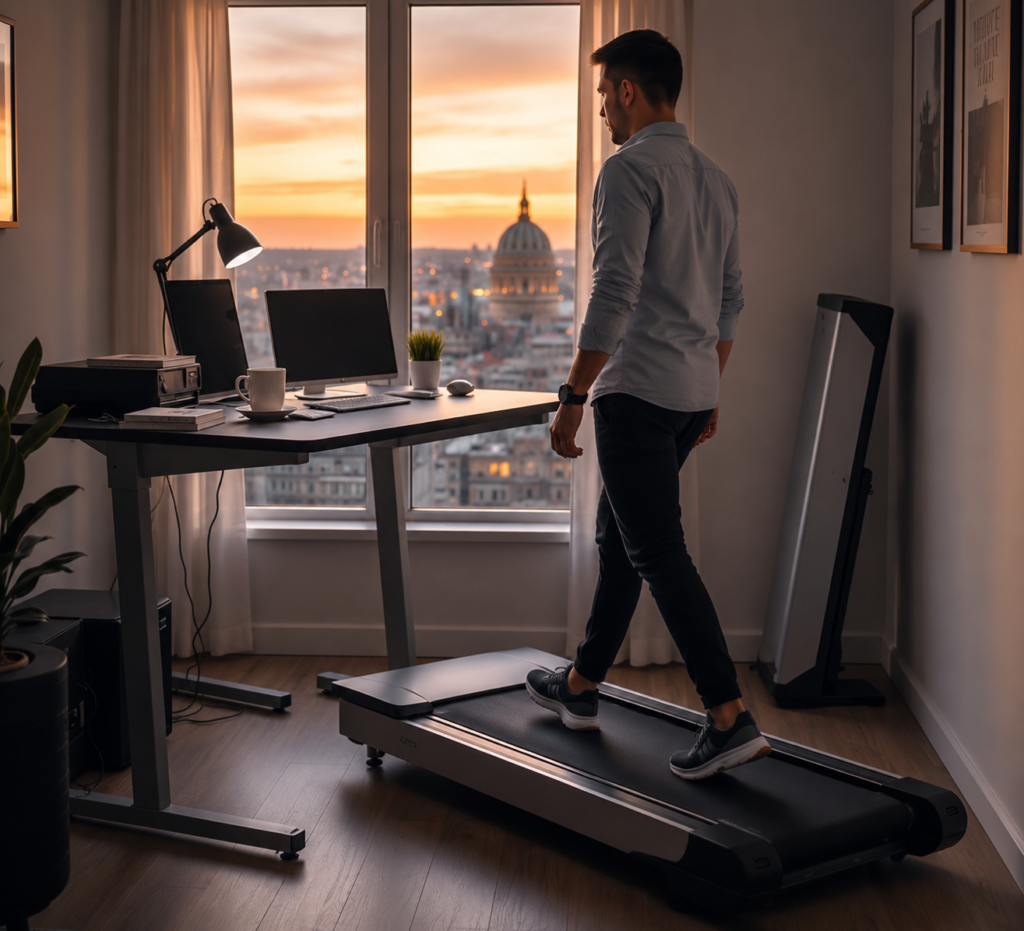
To further optimize your home office setup, consider complementary upgrades like a proper ergonomic chair or a noise cancelling headphones. If you work in a very tight space, these walking pad picks for small spaces have been tested for minimal footprint and portability.
Conclusion
An under desk treadmill home office setup isn’t just a lifestyle upgrade—it’s a real productivity and wellness tool when integrated thoughtfully. By planning for noise, fit, motor reliability, and warranty, and carving out 60–90 minutes of gentle walking throughout your remote workday, you gain measurable health and performance benefits without disrupting your workflow or living space. Ready to enjoy better energy, focus, and comfort every day? Measure your setup, read through real user reviews, and invest in the right walking pad for your standing desk—a healthier, smarter home office starts with your next step.
If you’re looking for more ways to optimize your office, see our guides on ergonomic keyboards and standing desk converters for efficient multi-device setups.
FAQ
How loud are walking pads during conference calls?
Many models are advertised as “quiet,” but user testing finds most exceed 60 dB at a steady walk (noticeable on hardwood or during calls). For shared homes, look for models tested at or below 55 dB, use a thick mat, and test noise with a phone call before committing.
Can you type accurately while walking at your desk?
Studies and user reviews agree: typing accuracy is largely unchanged at slow speeds (0.5–1.5 mph), though your speed may drop a few percent. For tasks needing fine control, many users step off briefly—yet focus, energy, and mood generally improve.
What’s the ideal walking speed and daily duration?
Experts recommend 60–90 minutes a day at 0.5 to 2 mph, split into several sessions—often during calls, email, or admin work. This burns 200–300 extra calories per day, lowers blood pressure, and breaks up long periods of sitting.
How do you match a treadmill to your standing desk?
Measure the desk’s clearance (height and crossbar positions), the treadmill’s total width/length, and ensure the belt sits fully within arm’s reach of keyboard and mouse. Some standing desks with bulky bases block part of the walking surface. Always measure your full setup in advance.
Which warranty terms should buyers look for in 2024?
Seek at least 12 months of full treadmill coverage, including the motor and electronics. Avoid pads that limit coverage to just electronics or require shipping at your expense. Top models offer 18–24 months, with accessible U.S. or local service centers.