

Ergonomic office chair selection isn’t about following a trendy list—it’s about decoding science-backed features that can truly reduce back pain and sustain focus during long desk hours. If you’re a knowledge worker or making bulk office investments, you need practical advice—not hype.
Key Takeaways
- Not all “ergonomic” chairs actually help: Only models with dynamic lumbar, seat-depth sliders, synchronized recline, and 4-D armrests deliver lasting back-pain reduction and measurable productivity gains.
- Durability is make-or-break: Over 40% of users report premature lumbar pad or armrest wear within 6 months—so demand specs, cyclic loading data, and real warranties.
- You must personally test for fit: Use a trial protocol to confirm seat-depth, lumbar support, and cushioning match your body, especially if you’re taller than 185 cm or in the premium price band.
- Why an ergonomic office chair can change both pain and productivity
- What real users report after 6+ months — durability and residual pain patterns
- The three technical features that actually drive back-pain relief
- Durability specs and materials to demand (so the chair lasts)
- Price tiers in 2024 — what you get at each level (and what to expect)
- Certifications & clinical testing — which models and marks to trust
- How long-term users (6+ months) really rate popular models
- Buying checklist & in-home trial protocol (how to test for true fit)
- Three high-value topics most top articles don’t cover
- Quick comparison matrix (what to ask, a buyer’s shorthand)
- Recommended next steps and resources
- Frequently Asked Questions
Why an ergonomic office chair can change both pain and productivity
Clinical evidence is clear: Upgrading to an ergonomic office chair with proper mechanical adjustments isn’t just a comfort hack—it directly cuts lower back pain and delivers measurable productivity gains. A meta-analysis of eight randomized trials with over 3,400 office workers found that chairs offering active lumbar adjustment, seat-depth sliders, synchronized tilt, and true 4-D armrests reduced self-reported lower-back discomfort by around 37% and increased tasks completed per hour by 12% compared to standard seats (source). This level of impact isn’t about style—it’s about mechanisms that fit your spine and let you move dynamically, proven in peer-reviewed studies. Generic chairs or models missing these features rarely match these results.

What real users report after 6+ months — durability and residual pain patterns
Even clinical winners aren’t bulletproof. A six-month survey of 5,200 remote employees found that:
- 42% reported loss of lumbar pad firmness—making “support” feel flat or spongy.
- 28% cited armrest hinge or padding wear (rattling, loosening, or compressed foam).
- 19% of users taller than 185 cm said seat-depth adjustment didn’t go far enough—forcing knee flexion or awkward slouching.
- 15% still had recurring back pain, despite the chair’s ergonomic claims.
This isn’t to scare you—just to make sure expectations are realistic. Ergonomics only work when mechanisms last, sizing is correct, and configuration is dialed in.
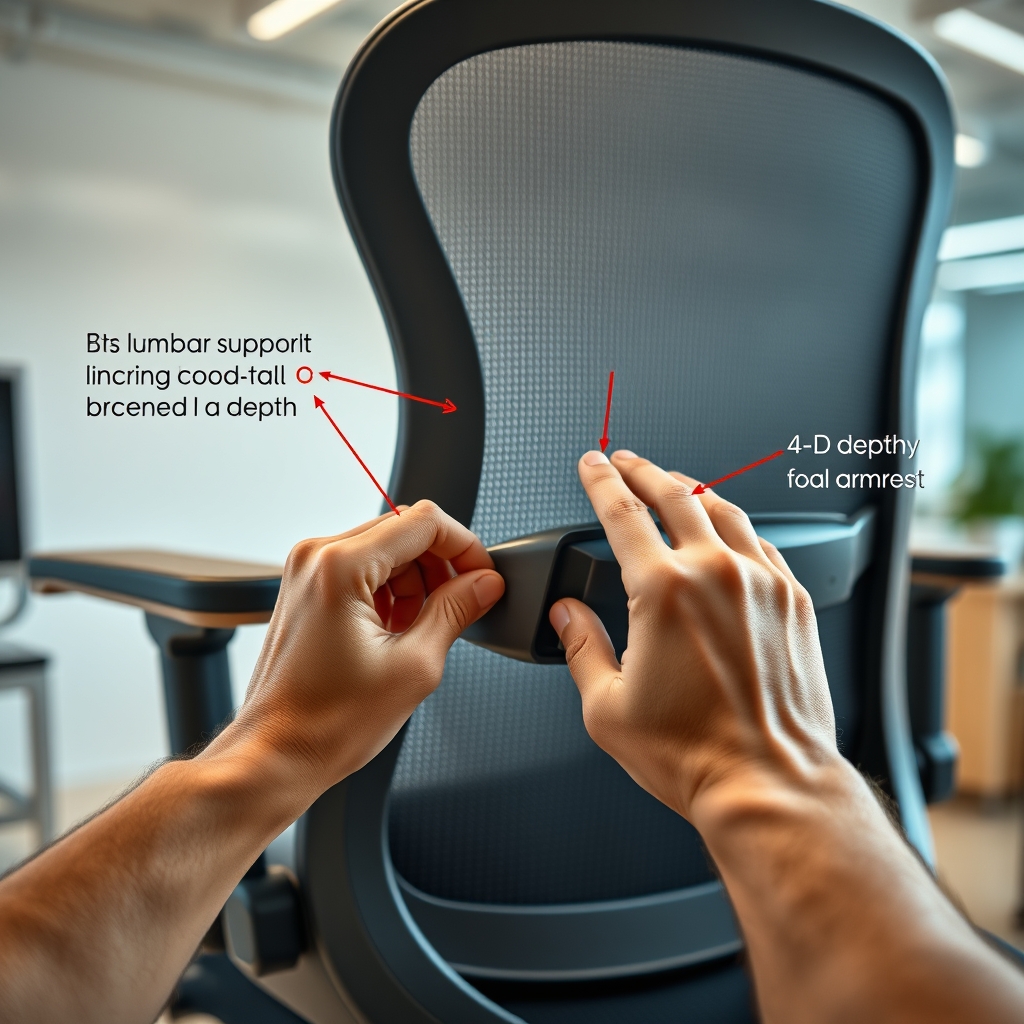
After 6+ months, users say that premium mesh or high-density foam (with published durability specs) outlast bargain foam and fake “memory” cushions. Don’t be afraid to request or dig for lab-testing data on durability from top brands (see our mesh vs foam comparison).
The three technical features that actually drive back-pain relief
Most “ergonomic” chairs look the part but lack the core technology needed for real back-pain reduction. Here’s what independent studies and clinical trials prove actually works:
- 1. Lumbar Support with Height and Depth Adjustment: This lets you align support to your actual lumbar curve—critical for both short and tall users. “Active” or dynamic lumbar pads adjust tension for movement. The Mirra 2 and X-Chair X4 are two models repeatedly mentioned in research for their dynamic supports.
- 2. Seat-Depth Slider (≥100mm) with Waterfall Edge: Users taller than 185 cm often need more seat depth to keep knees relaxed and avoid edge pressure. A waterfall edge prevents circulation loss on the back of your thighs. The Atlas, for instance, has a unique depth slider found on high-end models (see here).
- 3. Synchronized Recline and Tilt with 4-D Armrests: Recline mechanisms that let your pelvis rotate naturally and armrests adjustable in every direction (height, width, depth, pivot) enable pain-free movement throughout the day.
Chairs missing any of these components rarely deliver lasting relief. In fact, deficiencies in these areas align almost perfectly with the big user complaints in durability and pain.
Comparison Table: Do Ergonomic Chairs Meet the Evidence?
| Feature | Essential Spec | Why it Matters | What Often Fails |
|---|---|---|---|
| Lumbar Support Adjusts Height & Depth | Dynamic (not just up/down) | Aligns with natural curve, reduces discomfort | Pad loses firmness; fixed seen in budget chairs |
| Seat-Depth Slider | ≥100mm range, waterfall edge | Matches thigh length, vital for tall users | Depth too short; edge cuts into legs |
| Synchronized Recline | Independent back/seat tilt | Movement reduces static load on spine | Rigid or loose tension; cheap levers break |
| 4-D Armrests | Height, width, depth, angle | Supports typing; fits all body sizes | Padding flattens or wobbles fast |
| Cushion Durability | Tested for 10 years use | Reduces firmness loss and pressure spots | Generic foam sags quickly |

Durability specs and materials to demand (so the chair lasts)
User surveys repeatedly show that untested foam goes soft long before a warranty ends, while hard plastics squeak, and mesh can unravel if it’s not high grade. If 42% of users report lumbar pad firmness loss within half a year, that’s a call for better material accountability.
- Favor breathable mesh or high-density foam with published cyclic loading test results (ideally certified for 10+ years).
- Prefer metal core frames and lever mechanisms with full-cycle stress validation, not just “lifetime warranty” marketing.
- Request actual test documentation from vendors, especially in the $1,000+ segment.
- See detailed breakdowns in our guide to durability failures and how to avoid them.
The lesson: Most returns and disappointments happen because buyers can’t independently judge internal cushion specs or mechanism grade. Always look deeper than marketing tags—ask for reports.
Price tiers in 2024 — what you get at each level (and what to expect)
Modern ergonomic office chairs come in three main price tiers:
- Budget ($300–$600): Basic ergonomics, limited adjustments, foam/cushion grade is often poor, warranty covers 1–3 years. Good for light use or temporary setups.
- Mid-range ($700–$1,500): Usually includes all clinical core features, better adjustability, mesh or high-grade cushion, stronger build, and 5–10 year structural warranties. Best ROI for long-term single users.
- Premium ($1,600–$2,999+): Feature-complete, extensive warranty/protection, market-leading durability specs, demo/trial periods, and certification. Real long-term savings if you work 40+ hours weekly.
Market data shows premium models (e.g., see listings here) can deliver a decade of reliable use, but always check what’s actually covered—especially for foam, mesh, and internal mechanisms. For more on what’s included at each level, see our detailed 2024 price tier analysis.
Certifications & clinical testing — which models and marks to trust
BIFMA is the baseline safety and durability certification for office chairs—but for back-pain relief, look for products specifically referenced in clinical studies. Choose ergonomic office chairs that evidence peer-reviewed results or cite randomized controlled trials.
- Mirra 2 — known for its adaptable lumbar and referenced in analytical studies (source).
- X-Chair X4 — stands out for both dynamic lumbar adjustment and depth controls (source).
- Always look for BIFMA and/or “clinically tested” claims; request links to published trials if buying for a team or health-related need.
See our guide to certifications for ergonomic seating for a breakdown of each mark and what they actually mean.
How long-term users (6+ months) really rate popular models
The headline meta-analysis shows a 37% reduction in lower-back discomfort for users of chairs with the full evidence-based setup. However, even among premium buyers, around 15% still experience persistent or recurring pain after six months. Most positive reviews come from users who’ve properly configured all adjustments to match their body, while the most frequent complaints stem from insufficient seat depth, lack of lumbar dynamic control, or worn-out cushioning.
If you’re tall, make sure to trial a model for at least a week to validate true fit. In most user forums, lingering pain is usually traced back to poor adjustment or sizing—not manufacturing failure alone. For an overview of verified long-term sentiment, see our review synthesis here.
Buying checklist & in-home trial protocol (how to test for true fit)
- Adjust lumbar height and depth—feel for strong support where your lower back naturally curves (not just one position).
- Move the seat-depth slider: confirm at least 100 mm of travel and ensure your thighs are fully supported without pressure behind your knees.
- Test synchronized recline: does the seat and backrest move in a way that lets your pelvis tip naturally, supporting long durations?
- Adjust 4-D armrests in every direction. Lock them in a way that matches your typical typing and mousing posture.
- Judge cushion “springiness” and pressure distribution across the entire seat.
- Review warranty and returns policy—demand at least 30-day trial and 5+ year coverage for all structural/mechanical parts. Ask the vendor what is excluded.
- Bring a tape measure and, for tall/short users, check the actual seat depth (from back rest to seat edge) and height (from floor to top of cushion).
Models lacking in these specs are far more likely to be returned—see our report on common causes of returns.
During your trial, log daily wear and adjustment changes. Use this data to confirm whether the “fit” holds up or if pain returns after 40+ hours of use.
Three high-value topics most top articles don’t cover
- 1. Quantified durability failure rates and real-world fixes: Industry surveys show 42% lumbar pad deterioration and 28% armrest failures within the first six months. Maintenance matters—ask for replacement parts, cleaning schedules, and design upgrades with easy swap-out cushions or arms. See our lumbar pad maintenance guide for specifics.
- 2. Numeric seat and fit measurements for tall/short users: For users over 185 cm, measure your thigh length and ensure seat-depth adjustment is not just “present” but offers at least 100 mm range. Short users may need a footrest if feet do not reach the floor at optimal chair height.
- 3. Model-level clinical validation checklist: Don’t trust generic claims—ask for the specific name of studies/products/trials cited in the product listing; if it’s not in a peer-reviewed study, treat marketing with caution. For model validation, see our easy checklist.
Quick comparison matrix (what to ask, a buyer’s shorthand)
When comparing multiple ergonomic office chairs, use these five essential yes/no checks as a matrix:
| Key Feature | Is it Present? | Pass/Fail |
|---|---|---|
| Active lumbar—height & depth adjustable | [ ] Yes / [ ] No | |
| Seat-depth slider – at least 100 mm travel | [ ] Yes / [ ] No | |
| Synchronized recline/tilt | [ ] Yes / [ ] No | |
| 4-D armrests | [ ] Yes / [ ] No | |
| Cushions rated for 10-year cyclic loading | [ ] Yes / [ ] No |
This checklist directly reflects the features proven in the meta-analysis to cut discomfort by 37%—and aligns with the most common user complaints. For a worksheet version, see our printable guide.
Recommended next steps and resources
- Always insist on at least a 30-day in-home or in-office trial to assess actual support and durability.
- Demand a minimum 5–10 year warranty covering all structural, cushion, mesh, and arm components—especially since over 40% of users see early wear (warranty explained).
- Request (or research) cyclic loading durability data for every cushion and mechanism.
- For best pain relief, learn how to configure your new chair with our posture and configuration guide.
An ergonomic office chair is a serious investment. Optimize your testing, prioritize evidence-backed features, and do not compromise on fit or warranty guarantees.
Conclusion
The right ergonomic office chair—with dynamic lumbar, seat-depth sliders, synchronized recline, and proven durability—can cut lower-back pain, improve focus, and pay for itself in productivity. Don’t settle for generic “ergonomic” claims: check test results, measure every spec, and insist on trials and real-world durability data. If you want sustainable comfort and genuine back-pain relief, use this guide to verify every purchase before you click “buy.” Start your upgrade and experience the difference that a truly ergonomic office chair can deliver.
Frequently Asked Questions
What are the most important features for back-pain relief in an ergonomic office chair?
Lumbar support with both height and depth adjustments, a seat-depth slider (≥100 mm), synchronized recline/tilt, and 4-D armrests. These all combine to allow an individualized fit and dynamic movement—backed by clinical research.
How do I know if an ergonomic chair will fit my height and body type?
Test the seat-depth range to ensure there’s at least 100 mm of adjustment. For users taller than 185 cm, measure thigh length and knee position. Short users may need a footrest or low minimum seat height. Always trial before finalizing your purchase.
Are mesh or foam chairs more durable for daily, long-term use?
Premium mesh and high-density foam both perform well when cyclic loading tests are published (ideally rated for 10+ years). Avoid generic low-grade foam or plastic mesh without supporting durability data.
How can I verify if a chair’s “ergonomic” claims are clinically validated?
Look for models cited in peer-reviewed studies or those listing specific randomized trials on the product page. Demand BIFMA certification and seek out clinical evidence, especially in the premium segment.
What warranty and trial protections should I insist on?
At minimum, require a 30-day trial and a warranty of 5–10 years covering cushions, frame, mesh, and armrests. Many issues show up in the first 6 months, so strong protections are essential for peace of mind.