

Anti fatigue mat buyers in 2024 want real answers, not generic lists. The truth: solid research shows the right mat can cut standing fatigue by half—but only if you match material, firmness, and size to your work style and body. Let’s break down the science, pitfalls, and step-by-steps so you never waste money or end up with sore feet again.
Key Takeaways
- 2023–2024 studies show anti fatigue mats can reduce fatigue by about 50%, improve leg circulation, and even boost workplace productivity.
- Choosing the correct firmness, thickness, and material based on your weight, standing duration, and desk setup is essential for real benefits—and to avoid foot or ankle pain.
- Common complaints in recent reviews include mats that are too soft, deform, slip, smell strongly, or are too small for proper movement—so smart buyers prioritize quality, not just price.
- Quick takeaway — does an anti fatigue mat actually help?
- The strongest scientific findings (2023–2024) — what the data shows
- The firmness trade‑off — why “softer” isn’t always better (unique insight)
- Common real‑user complaints and red flags from 2023–24 reviews
- How to choose the right mat for your body and work style (actionable decision flow)
- Technical features that distinguish the best anti‑fatigue mats
- Price, market context and factors that influence cost in 2024
- Durability, maintenance and real‑world life expectancy
- What ergonomic and occupational‑health experts recommend
- Three questions most competitor articles miss (opportunities to outrank)
- Quick buying checklist + 5 recommended use cases
- Final verdict — how to pick the best anti‑fatigue mat for your standing desk
- FAQ: Anti Fatigue Mats
Quick takeaway — does an anti fatigue mat actually help?
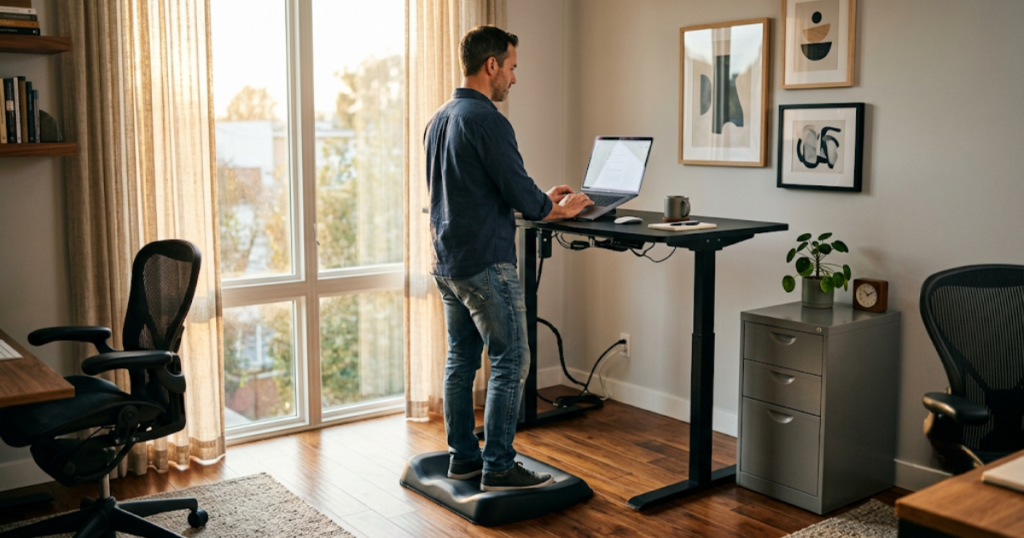
Standing at your desk can relieve posture and movement issues versus sitting, but most discomfort comes from standing on hard surfaces. Data from major 2023–2024 studies now confirms that using an anti fatigue mat does more than just feel better: it measurably reduces fatigue, especially in your feet and lower back. One recent synthesis found a roughly 50% reduction in perceived tiredness among standing desk users who switched from a bare floor to a quality mat.
Why? The best anti fatigue mats subtly encourage tiny muscle movements. These micro-shifts stimulate blood circulation and prevent the “dead-leg” pressure you feel after hours on concrete or tile. But the catch is that not just any mat works—you need the right firmness and size for your work pattern.
The strongest scientific findings (2023–2024) — what the data shows
Let’s look at the specifics. In a University of Loughborough experiment, participants who stood on an anti fatigue mat at a standing desk unconsciously shifted their feet more often. These micro-movements improved leg blood-oxygen levels and kept skin temperatures lower, showing healthier circulation compared to standing on hard floors. This benefit points straight to why fatigue and stiffness are reduced.
Real-world studies agree. A trial in a large automotive plant in 2023 found that just adding cushioned matting led to a 2.2% productivity boost (fewer breaks, less absenteeism)—not just comfort but tangible output. Multiple reviews back this up: standing desk users report reduced lower limb discomfort, joint pain, and swelling when they use the best anti fatigue mat for standing desk setups.
Other studies link mat use to reduced risk of varicose veins and even heart disease over years of daily standing (Progressive Desk).
The firmness trade‑off — why “softer” isn’t always better (unique insight)
It’s a myth that the bounciest mat is best. Scientific observations from 2023–2024 show why: a moderately soft solid polyurethane anti fatigue mat cues your feet and legs to stay active, which intermittently “unloads” your spine and relieves back pressure (iMovR). If the mat is too soft, though, your ankles and knees must constantly stabilize, causing unwanted fatigue and wobble. On the other hand, overly firm mats barely improve comfort versus standing directly on tile.
The best anti fatigue mat for standing desk users is matched to a person’s weight, balance, and how many hours they stand. Lighter users may go slightly softer; heavier users need a denser mat to avoid “bottoming out.” The sweet spot maximizes comfort and encourages natural standing shifts without triggering instability.
Common real‑user complaints and red flags from 2023–24 reviews
User reviews in 2023–2024 spotlight recurring pains buyers wish they had avoided. Three main gripes come up:
- Incorrect firmness: A mat that’s too soft or too hard leads to instability (risk of falls) or persistent soreness in the feet and legs.
- Poor durability: Cheaper mats deform, compress permanently, or develop edge curling and slipping, especially after a few months.
- Odor and cleaning issues: Some mats—especially lower-cost models—emit strong “rubbery” or chemical smells. Others are dust magnets, stain easily, or are difficult to wipe clean.
- Size mistakes: Many buyers regret buying a mat that’s too short or narrow, leaving little room for natural movement—often mentioned in reviews from team procurement managers.
To avoid these, prioritize tested materials, a size that fits your desk footprint, and check for a reliable warranty. See also: best large desk mat tips for similar sizing guidance for home offices.
How to choose the right mat for your body and work style (actionable decision flow)
Buyers should start with three questions:
- How long do you stand daily? 2–4 hours? Go for moderate-density foam or polyurethane, 0.7–1.0 inches thick. Over 6 hours? Choose denser, heavier mats (1–1.25 inches) for sustained comfort.
- How much do you weigh? Lighter people (under 160lbs) get more “give” from medium density. Heavier users (over 200lbs) require firmer, thicker mats to prevent bottoming out.
- Activity style: static or fidgeter? If you like to fidget, try mats with contours or “active” features. For those who work mostly still, flat mats with light topography suffice.
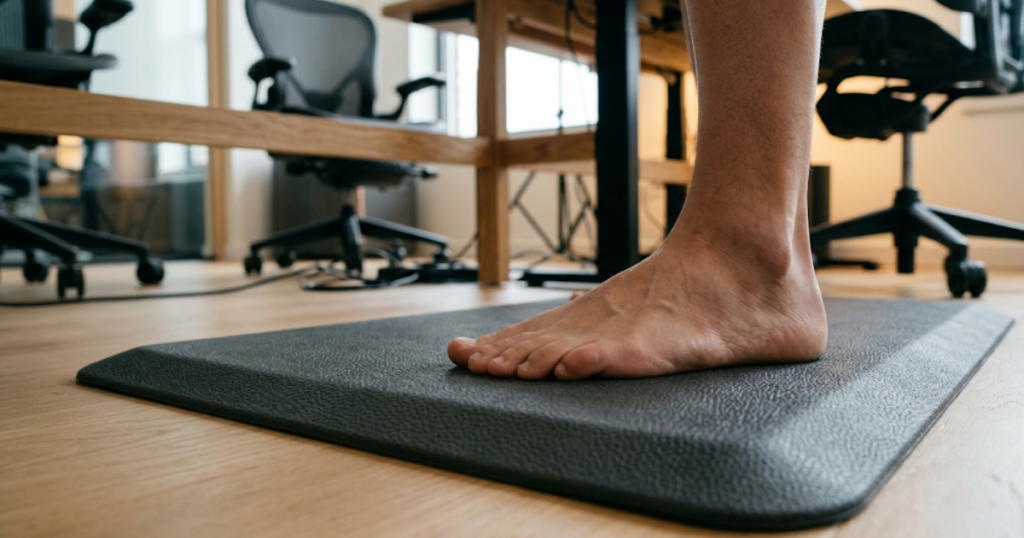
Always measure your desk’s footprint—and ensure at least a 20 by 32 inches mat for single-person use. For team hot-desking, maximize versatility with larger, non-slip models and beveled edges.
Still deciding? Use this quick scenario breakdown:
- Light home user (1–2 hrs/day): Standard foam, 3/4 inch, beveled safe edge.
- Heavy office use (5+ hrs/day): Thick solid polyurethane, at least 1 inch, large size, anti-slip base.
- Teams/multiple shifts: Premium density, heavy-duty covering, easy to clean.
If you’re retrofitting a full ergonomic setup, combine with proper chair support: see the Ergonomic Office Chair guide for back pain relief and joint health tips.
Technical features that distinguish the best anti‑fatigue mats
Not all mats are built alike. According to lab tests and top-reviewed sites:
- Material: Solid polyurethane is proven to last the longest and retain bounce (WorkWhileWalking). PVC mats, while cheaper, are more likely to deform and develop smells.
- Thickness & Density: Look for at least 0.75 inches; 1 inch or more is ideal for extended standing. Confirm density is high enough so you don’t “bottom out” after a month.
- Surface Shape: Ergonomic “topo” contours (like slight ridges or domes) promote movement and limit fatigue for active standers.
- Edge Bevel: beveled edges prevent tripping and curling—a common failure in cheap mats.
- Non-slip Base: Make sure your mat stays put on tile or hardwood. Some add textured bottoms for extra grip.
- Warranty & Odor Treatment: Look for at least a 5-year warranty and claims of non-toxic, low-VOC construction (for indoor air quality).
If you’re outfitting an entire office, prioritize mats that are easy to sanitize and resist curling under heavy use. For more, read Standing Desk Converter insights here for full-use patterns.
Price, market context and factors that influence cost in 2024
The global anti fatigue mat market is valued at $19.4 billion in 2024, reflecting a huge range of options (FactMR). Prices stretch from $25–$50 for “value” foam models, up to $100–$150 for solid polyurethane or engineered mats. What affects price?
- Material quality: Polyurethane costs more but lasts years
- Thickness and size: Larger, thicker mats are pricier but safer for full-desk use
- Special features: Engineered topography, odor-proofing, extended warranties
- Brand and production standards: Premium brands cost more but offer better return/replacement policies
For teams or offices buying in bulk, consider total cost over 3–5 years (including replacements for lower-quality mats). For similar budgeting issues, see our Standing Desk buying guide.
Durability, maintenance and real‑world life expectancy
Durability relies overwhelmingly on material. Polyurethane mats, by far, last the longest and retain their comfort even after thousands of hours (and repeated compression). Cheaper foam or PVC mats are prone to:
- Compression set (they flatten and stay dented)
- Edge curling (trip hazard after just a few months)
- Surface cracking or odor accumulation
Care tips: Wipe mats weekly with mild soap and let them air dry. Rotate them if used in one spot. Always check the warranty—quality mats promise at least 5 years, some offer 10 years or even a lifetime.
Concerned about indoor air quality? Choose mats labeled as low odor or VOC-free, especially for enclosed office settings. Related solutions: ergonomic footrests (details here) pair well for all-day comfort.
What ergonomic and occupational‑health experts recommend
Experts in workplace health agree—mat use should be paired with good desk ergonomics and movement habits. Guidance from 2023–2024 research:
- Choose an anti fatigue mat with moderate firmness and no toxic off-gassing
- Adjust your standing desk, monitor arm (arm setup tips), and keyboard height for neutral posture
- Vary your stance: shift weight every 15–20 minutes and alternate sitting and standing every 60–90 minutes
- Use shoes with mild arch support—not barefoot on very soft mats
Combining mat and desk improvements greatly reduces sustained spinal loading and discomfort, according to a review in iMovR’s research.
Three questions most competitor articles miss (opportunities to outrank)
- What’s the real, quantifiable benefit?
Research shows a ≈50% reduction in perceived fatigue and improved blood-oxygen levels, but these benefits depend greatly on choosing a mat matched to your body and daily standing duration. - How do I match density and thickness to my weight and hours?
- If you weigh under 170lbs and stand under 4 hours, mid-density and 0.7–1.0″ thickness works.
- Heavier or longer-standing users: pick firmer, denser mats at 1–1.25″ thick to avoid sinking or edge curling.
- How do I integrate the mat, desk, and shoes to prevent sway?
Adjust desk and monitor height, use supportive shoes (not barefoot), and verify your mat doesn’t slip. This prevents ankle fatigue and maintains safe posture for hours.
Want to see how to optimize your full setup? Check out our in-depth USB-C Docking Station productivity guide for total workstation ergonomics.
Quick buying checklist + 5 recommended use cases
Use this anti fatigue mat cheat sheet before buying:
- Correct size for your desk (at least 20×32 inches for standing desks)
- Solid polyurethane or premium high-density foam
- Thickness: 0.7–1.25 inches based on standing hours and user weight
- Beveled edges & anti-slip bottom (avoid trip risk)
- Warranty: 5 years minimum
- No strong chemical odor / low-VOC
- Easy-clean surface (especially for multi-user or high-traffic areas)
5 top use cases:
- Home office desk (medium mat, moderate density, beveled edge)
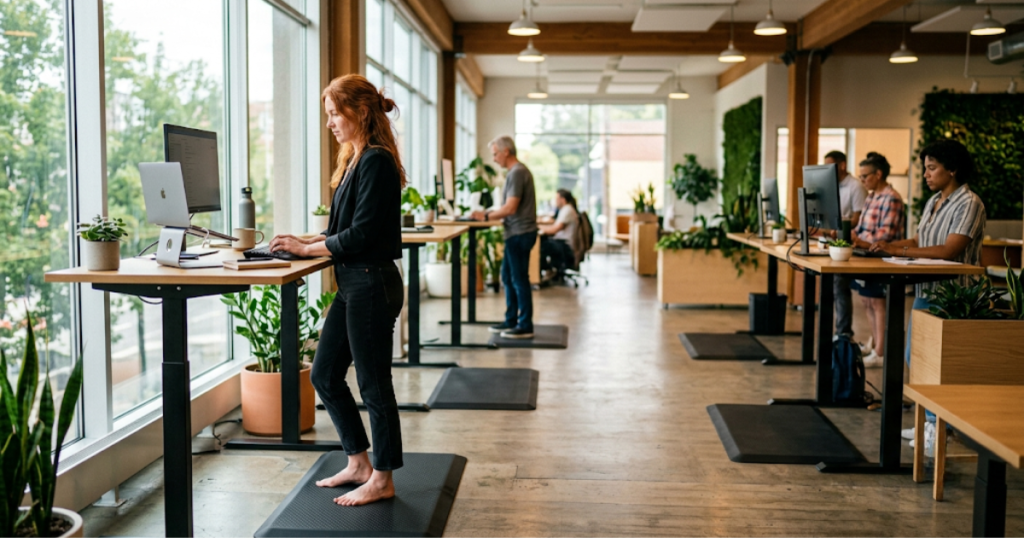
- Shared office/team space (larger mat, durability focus, easily sanitized)
- Long shift retail/counter (thickest possible, highest density, heavy-duty)
- Industrial/warehouse (extra traction, max durability, extra wide)
- Combination sit-stand setups (mix with footrest or under-desk treadmill for versatility; see our treadmill buying guide)
Almost every negative review or user return in 2023–2024 involves a mat that’s too small, deforms, smells, or is a slip risk. Don’t skip these essentials.
Final verdict — how to pick the best anti‑fatigue mat for your standing desk
The best anti fatigue mat for standing desk work in 2024 is one that uses solid polyurethane or high-density engineered foam with a thickness of 0.75–1.25 inches, beveled edges, a slip-resistant base, and is sized for your actual work footprint. Backed by studies showing up to 50% less fatigue, it must also be paired with correct desk height and occasional sitting. Always check for a multi-year warranty and low-VOC certification to keep your workspace safe and comfortable.
If you’re ready to improve energy, comfort, and circulation—first check that your anti fatigue mat matches your body and standing habits. Avoid the cheap foam, measure your space, and prioritize quality to prevent injury and wasted money.
Ready to upgrade? Use our checklist and practical tips to choose your best mat, and see the rest of our ergonomic office upgrades here.
FAQ: Anti Fatigue Mats
Do anti fatigue mats really reduce foot and back pain?
Yes. Multiple 2023–2024 studies show anti fatigue mats can cut perceived fatigue by around 50% and reduce pressure on the feet, legs, and lower back for standing desk users. The key is matching the mat’s firmness and thickness to your weight and standing duration.
What’s the best material for anti fatigue mats?
Solid polyurethane consistently outperforms PVC and standard foam in durability, comfort, and odor control. It resists compression set and lasts several years even in heavy-use applications.
How do I maintain my anti fatigue mat?
Clean with mild soap and a damp cloth once a week. Let it air dry. Rotate occasionally if you stand in one spot. Always inspect for curling edges or surface damage, especially in high-traffic workplaces.
How big should my anti fatigue mat be?
For single standing desk use, choose at least 20 by 32 inches. Larger mats suit shared workstations or movement-heavy roles. Don’t buy anything that forces you to stand rigidly in one small spot.
Can I use anti fatigue mats with a treadmill or ergonomic footrest?
Yes. Many users combine mats with under-desk treadmills or footrests. Just check that your mat’s size and slip resistance are compatible with extra equipment. See our under desk treadmill guide.