

vertical ergonomic mouse designs are transforming how knowledge workers combat wrist pain and repetitive strain injuries at the computer. But are the measurable comfort gains worth the learning curve and usability tradeoffs? This data-driven, no-nonsense guide cuts through the hype with 2023–2024 research, real user complaints, and proven buying/setup tactics.
Key Takeaways
- Lab studies show a vertical ergonomic mouse reduces forearm tension by ~14% and ulnar deviation by ~13%, significantly lowering common wrist discomfort for long-hour computer users. [source]
- There’s a real learning curve: expect a ~24% drop in mouse speed and ~20% more errors for up to 2 weeks, with some users never fully adjusting if the mouse fit is poor. [source]
- Choosing the right size, setup steps, and a staggered ramp-up plan are crucial to get the benefits and avoid buyer’s remorse—especially for smaller hands, left-handed users, and high-precision tasks.
- Executive Summary — Who Benefits, Trade-Offs, and Bottom-Line Recommendation
- What the 2023–2024 Science Actually Shows
- Real-User Feedback: Recurring Complaints and Long-Term Adaptability
- Market Size, Share, and Recent Trend (2024 Snapshot)
- Typical Price Ranges & Key Technical Specs (2024)
- How Long Does the Transition Take — Timeline and Typical Barriers
- Side-by-Side: Vertical Mice vs. Other Ergonomic Solutions
- Buying and Setup Checklist (Practical Steps to Minimize Risk)
- Content Gaps Competitors Miss — 3 Crucial Sub-Topics
- Conclusion & Actionable Recommendation
- FAQ
Executive Summary — Who Benefits, Trade-Offs, and Bottom-Line Recommendation
If you spend six or more hours daily on a computer—especially if you notice wrist pain or have a history of repetitive strain injury—a vertical ergonomic mouse can bring measurable, research-backed relief by reducing wrist pronation and forearm muscle tension.
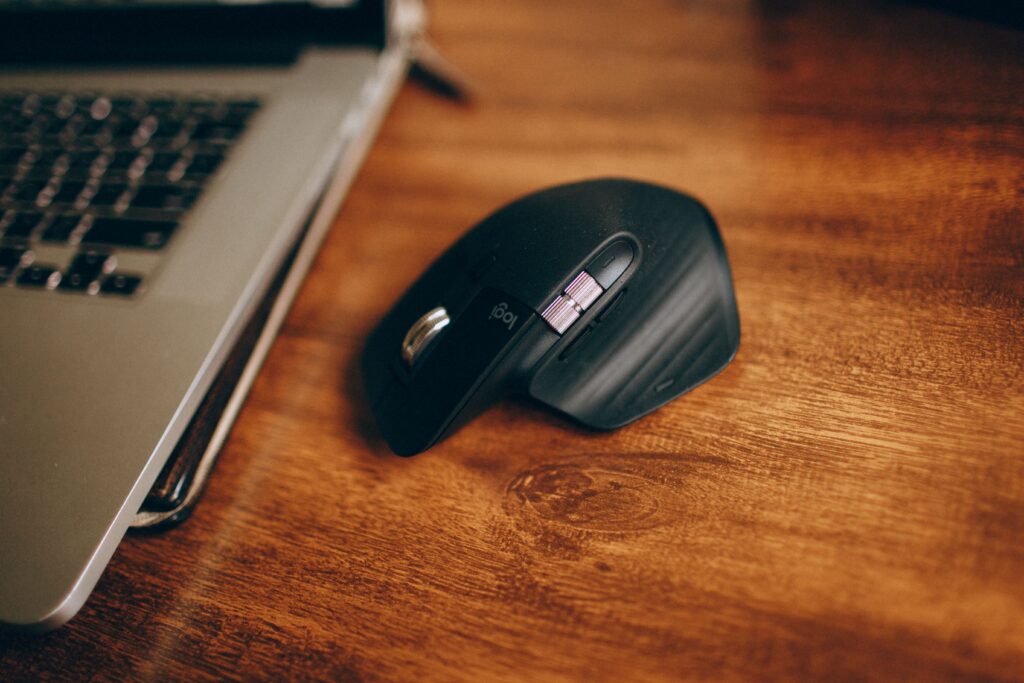
However, there is a noticeable adaptation period: controlled studies indicate a ~24% initial productivity drop in mouse speed and around 20% higher error rates for the first 1–2 weeks [source]. Most users adapt fully, but some—especially those with small hands, cramped desks, or high-precision needs—may never hit their old pace without extra steps or a switch back.
Bottom line: Try a vertical ergonomic mouse if you have wrist pronation pain, documented RSI, or mouse for long stretches. They are less ideal if you have small hands, do high-precision design/gaming, or need a quiet setup with many custom buttons. See the buying and adaptation tips below to stack the odds in your favor.
What the 2023–2024 Science Actually Shows
Modern lab research and EMG (electromyography) analyses verify several core claims:
- Posture: Vertical ergonomic mouse position your hand in a handshake grip, dramatically reducing the twist (pronation) and flexion required compared to a standard mouse. This is linked to a 14% drop in forearm muscle tension and a 13% reduction in ulnar deviation, both backed by recent research from 2023–2024 [source].
- Comfort Patterns: In blinded comfort ratings, vertical mice consistently outperform traditional designs, with top picks like Logitech Lift and Evoluent V4 leading across long-hour usage tests.
- Short-Term Performance Impact: Transitioning users show an initial ~24% decline in cursor/task speed and 20% more errors compared to baseline—but most recover to full speed/accuracy within 7–14 days.
Notably, precise comfort and EMG improvements were observed in lab settings; self-reported user comfort aligns directionally but varies more. Performance hits (slower navigation, more misclicks) are more pronounced in the lab than many users expect.
Want related evidence-based ergonomic upgrades? Compare with top ergonomic office chairs or best ergonomic keyboards for wrist pain in 2024.
Real-User Feedback: Recurring Complaints and Long-Term Adaptability
Vertical mouse for wrist comfort surveys and review roundups highlight a distinct set of common drawbacks—some one-time, some persistent:
- Learning Curve: Most new users struggle with the unfamiliar grip, frequent missed clicks, and slower pointer accuracy for the first days to weeks.
- Bulk and Fit: Even portable vertical ergonomic mice are bulkier and can be awkward in tight desk setups. Small-handed users often feel fatigue or can’t reach buttons comfortably.
- Button Placement: Unintuitive layouts might require adjusting grip or remapping; a few models lack thumb or DPI buttons entirely.
- Left-handed vertical mice: Rare and often cost more, despite a clear user need.
- Precision Issues: For high-precision work like design, spreadsheets, or gaming, most vertical mice offer less fine control than top flat mice.
On the upside, these problems mostly fade or can be managed with the right size/fit, deliberate adaptation, and customizing buttons. Persistent deal-breakers are most often linked to poor sizing or unsuitable use cases rather than the vertical concept itself.
For more strategies on workspace comfort, check our standing desk converter guide or see dual monitor arm reviews for productive hybrid work.
Market Size, Share, and Recent Trend (2024 Snapshot)
By 2024, the global vertical ergonomic mouse segment is valued at around USD 1.5 billion, comprising about 30% of the overall ergonomic-mouse market. [market data]
- North America leads in adoption, in line with both high computer use and workplace health awareness trends.
- Growth Drivers: Rising RSI prevention efforts, hybrid/remote work, and proactive employee wellness programs steadily push market demand upward.
- Top brands: Logitech, Microsoft, Anker, Evoluent, and Kensington dominate reviews and market share, with Logitech Lift and Evoluent V4 especially cited in 2024 buyer’s guides.
Expect continued double-digit annual growth through the 2020s, as both awareness and ergonomic budgets rise across tech sector and remote-first teams.
Typical Price Ranges & Key Technical Specs (2024)
Expect to pay between $35–$120 USD for most mainstream vertical ergonomic mouse models as of 2024. Popular options—Evoluent V4, Logitech Lift, or Kensington Pro Fit—sit near $45–$80.
- DPI Range: Most leading models offer 800–4000 DPI with adjustment via hardware buttons. Customizable DPI is crucial for balancing comfort and pointer precision after transition period.
- Connectivity: Both USB wireless dongles and Bluetooth are now standard; wired models are rare but may reduce lag or charging fuss.
- Materials/Finish: Soft touch plastics and matte finishes are common for better grip. A few premium models include textured thumb rests or antimicrobial coatings.
- Handedness/Size: Right-handed options dominate the market. True left-handed vertical mouse for wrist comfort options are limited. Check manufacturer fit guides or try in person if possible before purchase.
For more tips on ergonomic work setups, explore our best compact home office desk guide.
How Long Does the Transition Take — Timeline and Typical Barriers
Lab trials and verified user surveys agree: the median adaptation period for a vertical ergonomic mouse is roughly 1–2 weeks.
- Expect your pointer accuracy and general speed to drop ~24% and error rates to climb ~20% in the first days versus your old mouse. Most improvement happens in the first 5–7 days, with full acclimation (parity with a flat mouse) by 14 days for the majority of users [source].
- Early symptoms: Temporary soreness in the forearm, missed clicks, and frustration with fine selection or text work are normal. These resolve faster if you stage your transition over several days.
Adaptation Plan: 14-Day Ramp-Up Protocol
- Days 1–3: Use the vertical mouse for low-stakes browsing, email, and navigation for 30–60 min/day. Keep cursor sensitivity (DPI) at the manufacturer’s default.
- Days 4–7: Increase work session length up to 2–4 hours. Drop back to your old mouse for urgent, high-precision tasks. Experiment adjusting DPI up or down if you struggle with fast or fine pointer moves.
- Days 8–14: Aim for full-day use. Remap any awkward buttons. Monitor for lingering soreness—if present, consider trying another model/size.
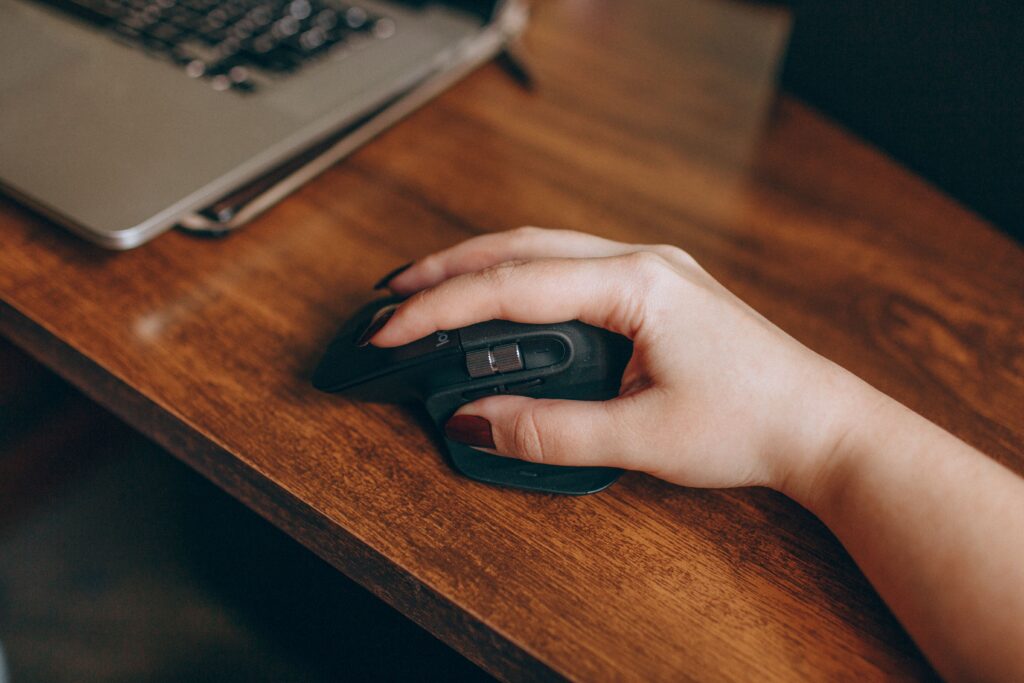
Return to your standard mouse for gaming, CAD, or Excel work initially—only switching fully once you’re confident. Always observe for persistent discomfort or finger/hand fatigue.
Side-by-Side: Vertical Mice vs. Other Ergonomic Solutions
How does a vertical ergonomic mouse stack up against other popular wrist comfort solutions? See the comparison below:
| Device | Reduces Pronation | Reduces Arm/Wrist Motion | Precision Suitability | Best For | Persistent Cons |
|---|---|---|---|---|---|
| Vertical Ergonomic Mouse | Yes (~14% lower muscle tension) | Moderate | Good, but learning curve | RSI prevention, long hours | Learning curve, fit, bulk |
| Trackball (e.g. Logitech MX ERGO) | No effect | High (device stays stationary) | Medium–High | Limited desk space, minimal movement | Thumb fatigue, niche feel |
| Rollerbar/Centered Mouse | No effect | Very high | Medium | Alternating hand use, ambidextrous | No vertical support, increased finger travel |
| Wrist Support/Pad | Minor ergonomic impact | Minimal | N/A | Supplemental for keyboard/mouse setups | Potential pressure points |
| Split/Ergonomic Keyboard | N/A | N/A | N/A | Typing comfort | Not mouse-specific |
Vertical/handshake mice remain the best-proven option for reducing forearm pronation and muscle tension as documented in head-to-head EMG studies [reference].
Still, you may prefer a vertical mouse for carpal tunnel or explore alternatives if you require ambidextrous switching or ultra-high precision—a trackball or rollerbar is worth a look.
Buying and Setup Checklist (Practical Steps to Minimize Risk)
- Match your hand size: Measure from wrist crease to tip of middle finger and consult manufacturer fit charts. Many returns stem directly from mismatched sizing.
- Pick USB dongle or Bluetooth based on your work machine(s) and OS preferences.
- Choose at least 2 thumb-accessible programmable buttons for extra workflow or easy switching of sensitivity (DPI).
- Start user sessions with 30–60 minutes per day, and swap back to your old mouse as needed for high-precision or urgent tasks during the first 1–2 weeks.
- Remap buttons as soon as you identify repetitive strain (e.g., awkward right click or drag), using built-in driver software or Windows/Mac OS tools.
- Adjust your arm position: Keep your wrist neutral and forearm supported—consider adjusting monitor height or full-surface desk mat for smoother movement.
Return/Replacement Checklist (Top 3):
- Persistent pain or soreness after 14 days of gradual use.
- Cannot comfortably reach all key buttons or finger rests, even after adjusting grip.
- Major drops (>40%) in pointer accuracy or task speed after 1–2 weeks despite correct DPI settings.
For more DIY ergonomic tweaks or support tips, see our guide to wrist rests for mechanical keyboards.
Content Gaps Competitors Miss — 3 Crucial Sub-Topics
- Quantified Adaptation Costs and Mitigation: This guide includes exact adaptation penalties from recent literature (~24% initial speed drop, 20% increased errors) and lays out a stepwise, day-by-day plan—most reviews simply claim transition is “easy.” Pro-active ramping and DPI tweaks are essential to succeed.
- Hand Size, Left-Handed, and Fit Issues: Only a few posts dig into hand size–fit tradeoffs, small-handed user fatigue, or the limited availability of left-handed vertical models. Extended durability and long-term comfort data by hand size are rarely included.
- Head-to-Head Measurable Comparisons: This review references recent EMG and kinematic studies directly comparing vertical, trackball, and rollerbar devices—most competitor writeups merely cite anecdotal benefits.
Still uncertain? Read how to complement a vertical ergonomic mouse with a monitor arm for neck strain for holistic desk comfort.

Conclusion & Actionable Recommendation
Switching to a vertical ergonomic mouse can deliver real, measurable wrist comfort and reduce your risk for repetitive strain injury, as confirmed by lab and field evidence. The gains—about 14% less muscle tension and 13% less wrist deviation—are compelling for anyone mousing for hours on end. However, getting those benefits means enduring a brief, but real, adaptation hump, especially if you have small hands, work in cramped spaces, or require ultra-high pointer precision.
Ready to try? Choose a well-reviewed model in your size, follow the ramp-up plan, and expect full adaptation within 1–2 weeks. If your tasks require pixel-perfect control, consider testing multiple options or retaining your old flat mouse for certain jobs.
The vertical ergonomic mouse is a research-backed investment for most knowledge workers and hybrid professionals, but only with the right fit and a realistic adaptation window. Start slow, ramp up wisely, and never hesitate to return a mouse that simply doesn’t suit your hand or workflow.
For more ergonomic upgrade strategies, explore ergonomic keyboard picks or see our deep dives on evidence-based seating for back pain.
FAQ
How long will it take me to fully adapt to a vertical ergonomic mouse?
Most users acclimate within 1–2 weeks, with initial drops of approximately 24% in speed and 20% higher error rates that gradually decline as your muscles and hand-eye coordination adjust.
Can a vertical mouse help with carpal tunnel or wrist pain?
Yes. Several 2023–2024 studies confirm that a handshake grip reduces forearm pronation, muscle tension, and ulnar deviation—all risk factors for repetitive strain and carpal tunnel. While vertical designs may not cure existing injuries, they measurably lower new or recurring pain for many daily users.
Are there good vertical ergonomic mouse models for left-handed users?
Left-handed vertical mice exist but are relatively rare and limited in selection. Evoluent and a handful of niche brands offer left-handed versions; always verify sizing and button layout carefully.
When should I avoid switching to a vertical ergonomic mouse?
If you have very small hands, require ultra-high pointer precision (graphics, CAD, gaming), or need frequent button macros, a vertical mouse may frustrate more than help. Test several models or stick to a flat (but ergonomic) mouse if adaptation proves problematic.
What are the signals I should return or replace a vertical ergonomic mouse?
Persistent forearm, wrist, or hand pain after 14 days, inability to reach all key buttons comfortably, or much higher error rates compared to your old mouse even after staged adaptation are strong return cues.